How it plays
Easy to learn. Hard to put down.
A 16 by 16 board hides 51 mines, and finding them is the whole point: every mine you hit is a point for you.
-
Take turns
You and your opponent share one board. On your turn, tap a closed cell to open it.
-
Find a mine, keep going
Hit a mine and it becomes your flag: one point, and you play again straight away.
-
Miss, and the turn passes
A safe cell opens and shows how many mines touch it. Use the numbers to plan your next move.
-
One bomb, when you're behind
Trailing on flags? Drop your bomb once per game: it opens a 5×5 area and every mine in it becomes yours. Then the turn passes.
-
First to 26 wins
There are 51 mines. Flag 26, more than half, and the game is yours. No need to clear the whole board.
-
Mind the clock
You get 24 hours per move. Let it run out once and your turn is skipped. Twice in the same game and you forfeit.
Why play
Real rivals. No bots.
Every game is against a real person, at a pace that fits your day.
-
Real people only
Play a friend you invited or another player who's looking for a game. Nobody is a bot, and iPhone and Android play together.
-
Your move, whenever
You get up to a day for each move and a notification when it's your turn. Keep a few games going and play in spare minutes.
-
Friends by link
Send your invite link in any chat app. Once your friend opens it, you can challenge each other any time. No usernames, no searching.
-
Fair and ranked
The board lives on our server, so nobody can peek at the mines. Games against other players count towards your rating and the weekly leaderboard.
A look inside
Clean, quick and easy to read.
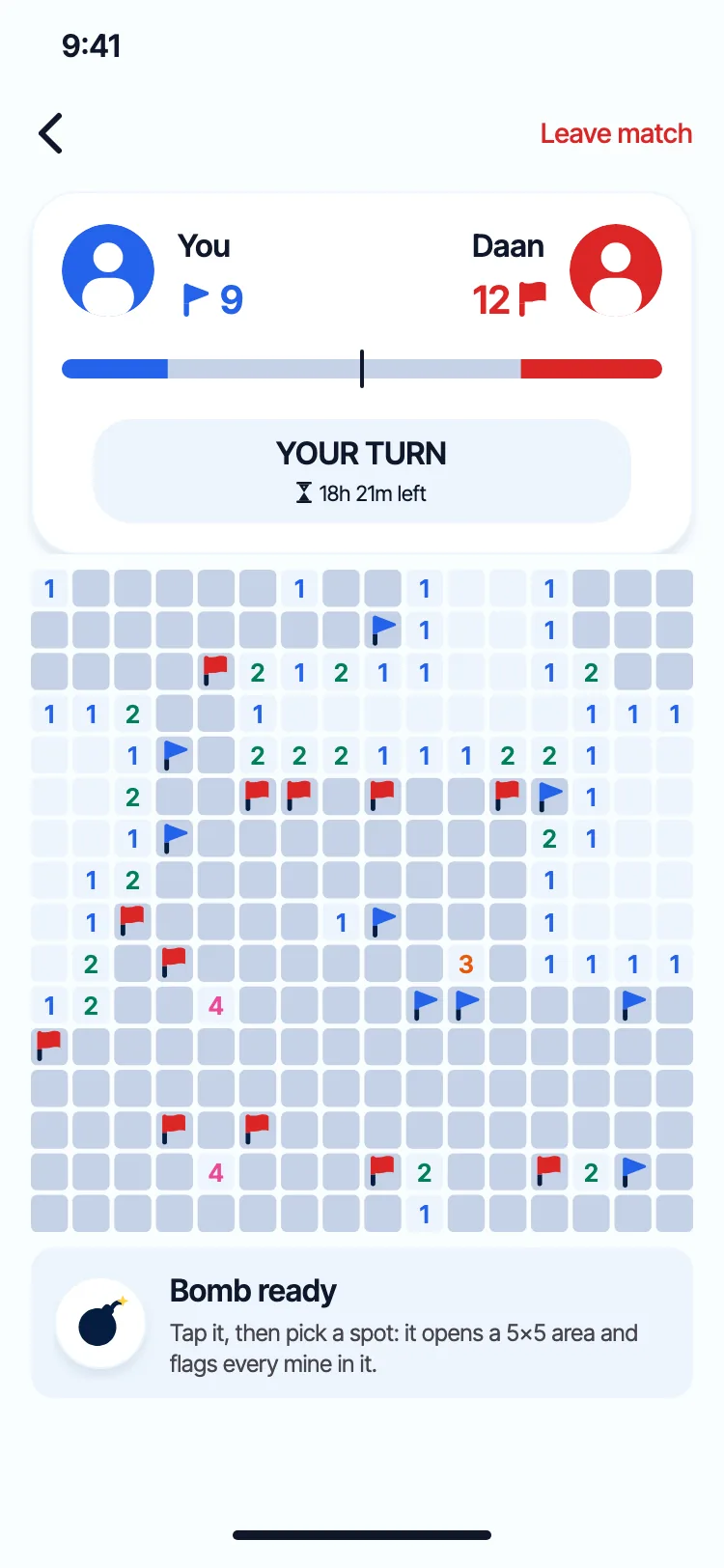
Out-flag your rival 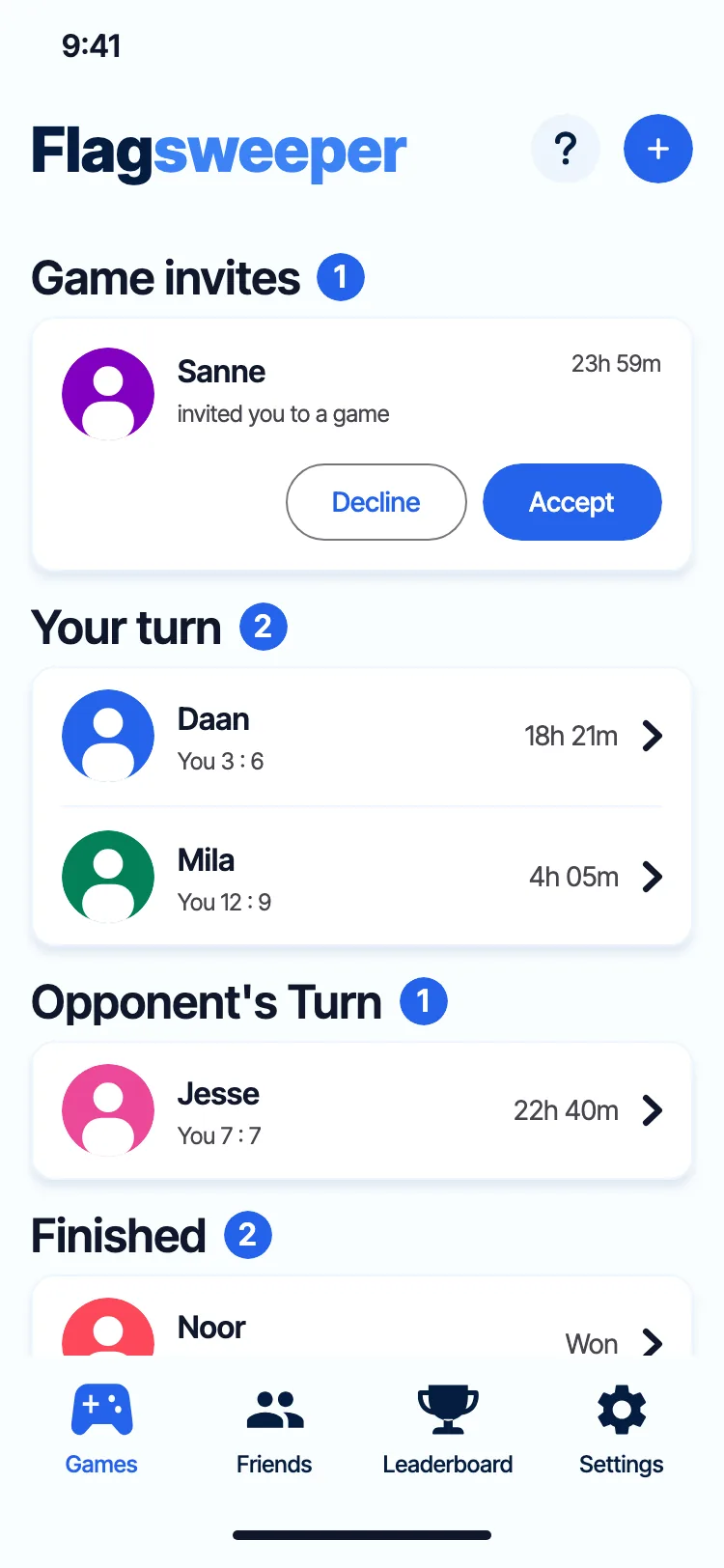
All your games at a glance 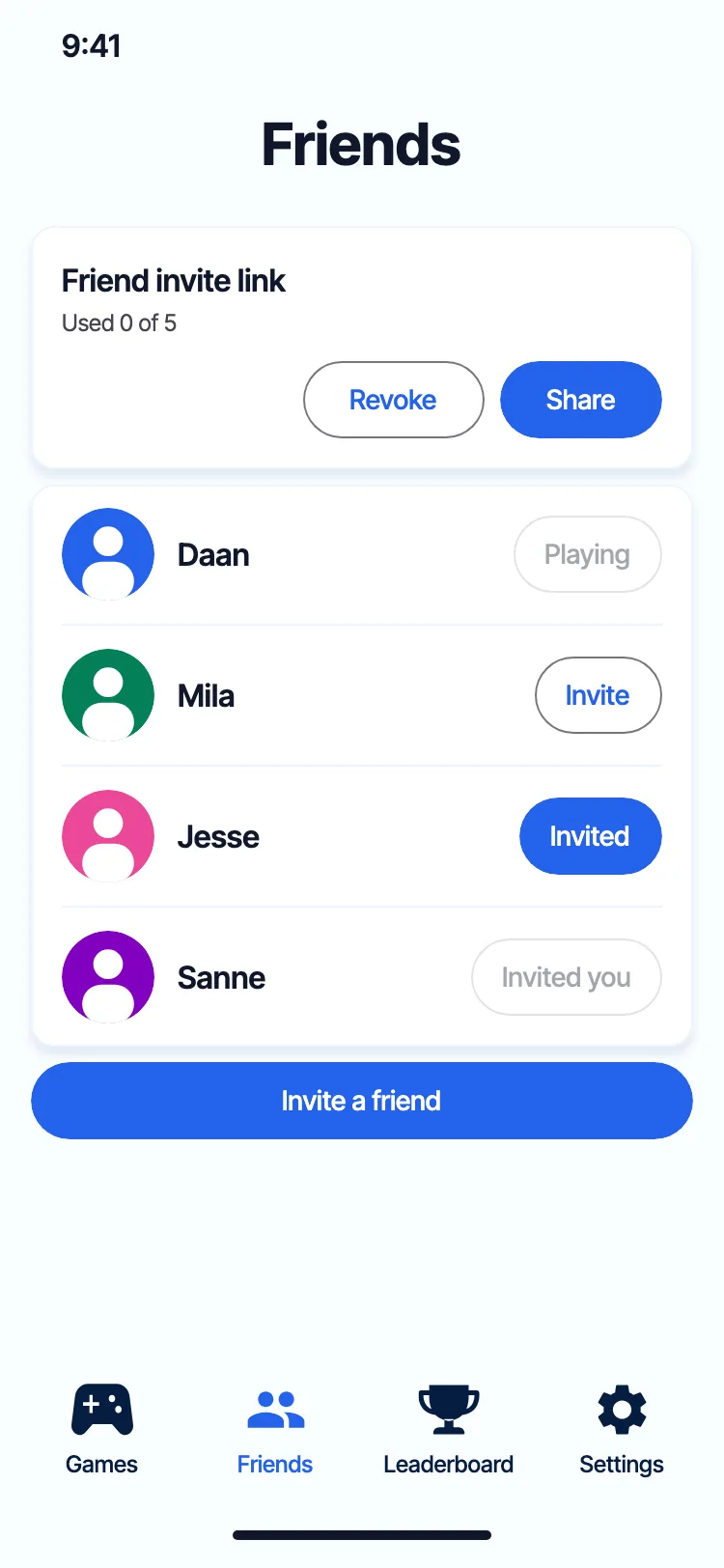
Challenge your friends 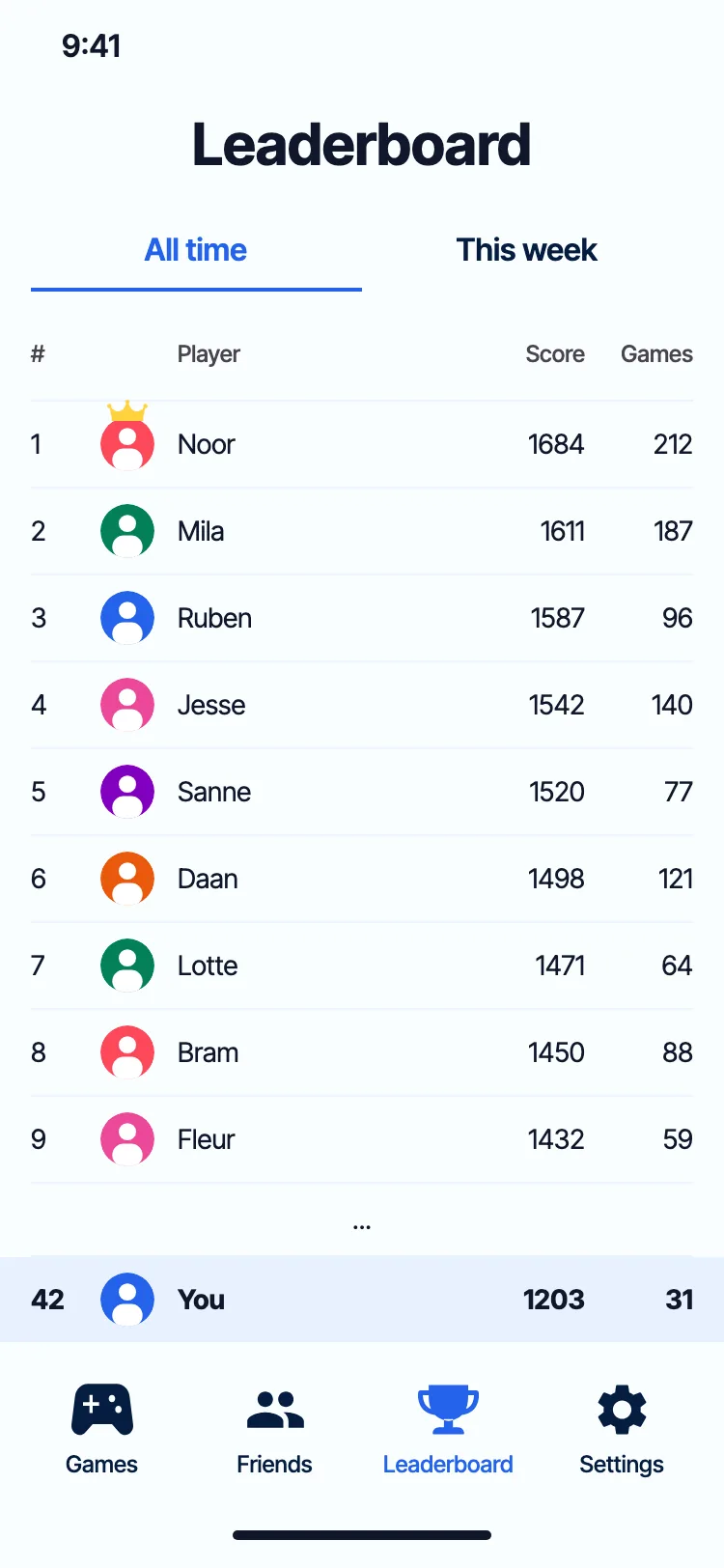
Climb the leaderboard 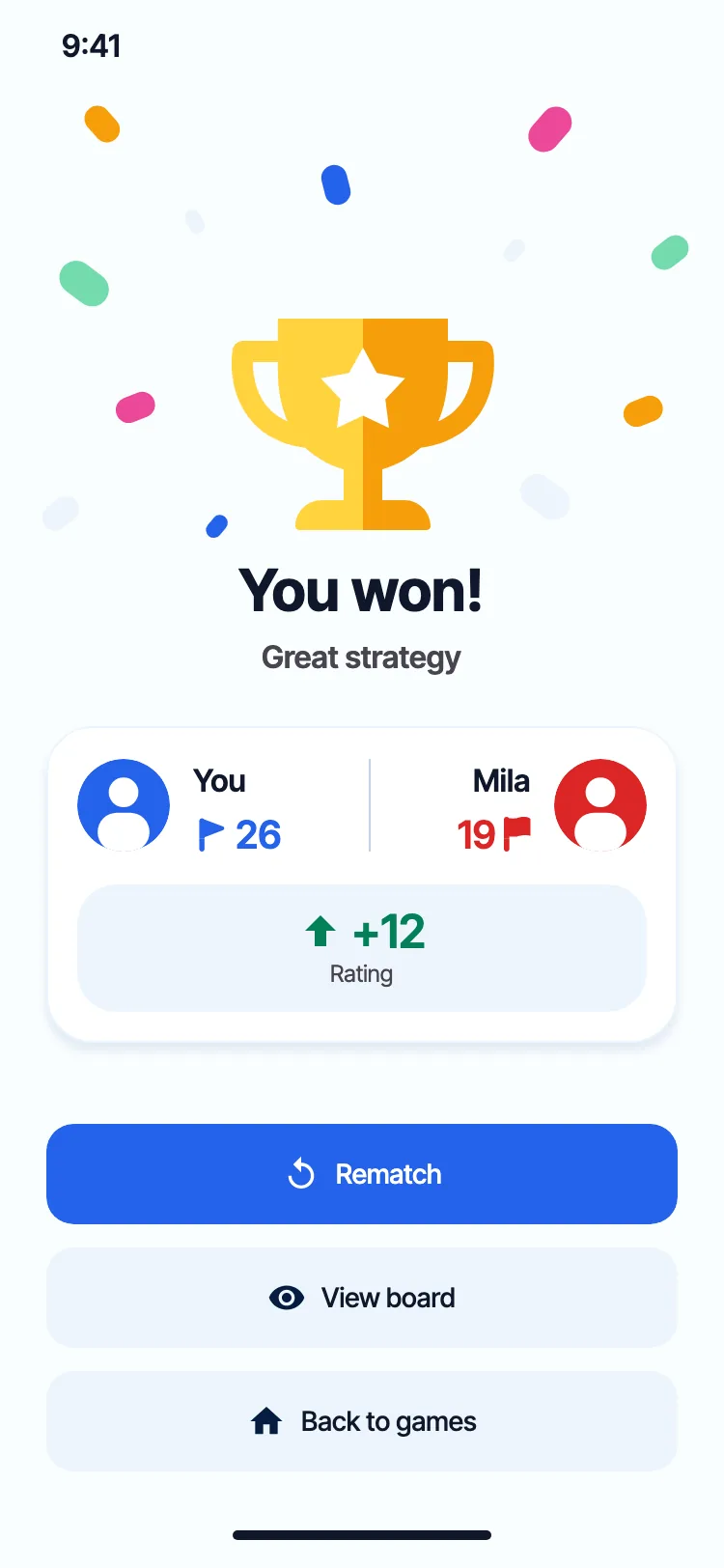
Win, then ask for a rematch
Ready to out-flag your friends?
Get the game, send a friend your invite link and make the first move.


Coming soon to iPhone and Android.
FAQ
Questions, answered.
Do we both need to be online at the same time?
No. Every game is turn by turn. Make your move, close the app and get a notification when it's your turn again.
How long do I have for a move?
24 hours per move. If the time runs out once, your turn is skipped and the game goes on. If it happens a second time in the same game, you forfeit and your opponent wins.
How do I play with a friend?
Open Friends in the app and share your invite link through any messaging app. When your friend opens the link on their phone, you become friends and can challenge each other whenever you like. An invite link works for 7 days.
Can iPhone and Android players play each other?
Yes. Everyone plays on the same server, whatever phone they have.
Do I need to create an account?
No. You sign in with Game Center on iPhone or Google Play Games on Android, and your gamer tag is your name in the game. We never receive your email address.
What happens with my data?
We keep what the game needs: your gamer tag, your games, friends and rating. Finished games are deleted after 24 hours. The app sends crash reports, and anonymous usage statistics unless you switch them off in Settings. The privacy policy has the details.
How do I delete my account?
In the app, go to Settings and tap Delete account. It's immediate. Read what gets deleted, or what to do if you can't open the app anymore.